
Software development teams face a persistent challenge: how do you build something users actually want without wasting months of effort and resources?
The answer lies in creating a software prototype before diving into full-scale development. A software prototype serves as an early working model of your application, allowing teams to visualize, test, and refine ideas before committing to expensive production.
Think of a software prototype as a working sketch of your final product. It demonstrates key functionality and user interactions without requiring complete backend infrastructure or polished code.
Prototyping in software has become essential in modern development workflows, helping teams validate assumptions, gather user feedback, and make informed adjustments while changes remain relatively simple and affordable.
Why Prototyping is Important in Software Development
The benefits of prototyping in software extend far beyond simply having something to show stakeholders. This practice fundamentally changes how teams approach development, leading to better products and more efficient processes.
Improved Communication and Understanding
Software projects frequently suffer from misaligned expectations. Developers interpret requirements one way, designers envision something different, and stakeholders have their own mental picture of the end product. A software prototype eliminates this ambiguity by providing a tangible reference everyone can see and interact with.
When team members discuss features while looking at an actual prototype, conversations become more productive and specific. Instead of abstract descriptions like "user-friendly interface," teams can point to specific elements and behaviors. Prototypes also help technical teams communicate with non-technical stakeholders who might struggle to interpret wireframes or technical specifications.
Faster Feedback and Iteration
Traditional development approaches often postpone user feedback until late in the project, when making changes becomes expensive. Prototyping in software flips this model by enabling early user testing when modifications remain straightforward.
Users interacting with a prototype can quickly identify confusing navigation, missing features, or unnecessary complexity. This feedback arrives at a stage when addressing these issues requires minimal effort compared to redesigning completed code.
Research from Stanford's d.school highlights that iterative prototyping leads to better design outcomes because it allows teams to fail fast and learn quickly.
Risk Reduction and Cost Efficiency
Every software project carries inherent risks: technical challenges, user adoption concerns, budget overruns, and timeline delays. A software prototype helps identify and mitigate these risks before they become serious problems. Technical feasibility often remains uncertain in the planning phase, and a prototype allows developers to test assumptions with minimal investment.
Studies indicate that fixing errors during the design phase costs 10 times less than fixing them during development, and 100 times less than fixing them after product release. Prototypes help teams avoid the expensive mistake of building the wrong product or implementing unnecessary features. Requirements crystallize earlier, reducing wasted effort on features that will ultimately be discarded or redesigned.
Types of Software Prototypes
Different projects require different prototyping approaches. Selecting the right method depends on your timeline, goals, and available resources. Understanding these four main types helps you choose the approach that best fits your situation:
- Throwaway Prototyping: Creates quick, disposable models meant only for gathering requirements and demonstrating concepts. Teams build these prototypes rapidly without concern for code quality or scalability. Once the prototype has served its purpose of clarifying requirements and design direction, developers discard it and build the actual product from scratch using proper engineering practices.
- Evolutionary Prototyping: Takes the opposite approach by building an initial prototype and then continuously refining and expanding it until it becomes the final product. Each iteration adds functionality, improves performance, and addresses feedback. This method works well when requirements remain somewhat flexible, and teams want to maintain continuity between prototype and production code.
- Incremental Prototyping: Divides the system into smaller components, prototyping each piece independently. As teams complete and validate each component, they integrate it into the growing product. This approach suits large, complex systems where attempting to prototype everything at once would be overwhelming.
- Extreme Prototyping: Primarily applies to web applications and involves three distinct phases: creating static prototypes of all screens, simulating the service layer to demonstrate data flow, and finally implementing actual services. This method provides a structured progression from interface design through to full functionality.
How to Create a Software Prototype: A Step-by-Step Guide
Creating an effective software prototype requires systematic planning and execution. Following a structured approach ensures your prototype delivers maximum value.
Step 1: Define Your Objectives and Requirements
Before building anything, establish exactly what you want your software prototype to accomplish. Different prototypes serve different purposes: testing specific features, demonstrating technical feasibility, gathering user feedback, or securing stakeholder buy-in.
Engage stakeholders early to understand their priorities and concerns. Document clear, measurable objectives for your prototype. Instead of vague goals like "test the user interface," specify concrete aims such as "determine whether users can complete the checkout process in under two minutes."
When defining requirements for prototyping in software, consider:
- What specific functionality must the prototype demonstrate to stakeholders?
- Which user workflows are most critical to validate before full development?
- What technical uncertainties need testing to reduce project risk?
- How will success be measured, and what metrics matter most?
- What timeline and budget constraints exist for the prototyping phase?
Step 2: Choose the Right Prototyping Method
Your choice between throwaway, evolutionary, incremental, or extreme prototyping should align with project characteristics. Throwaway prototyping works well when requirements remain unclear, and you need to explore different approaches quickly. Choose evolutionary prototyping when you have a reasonable grasp of requirements but expect them to evolve based on user feedback.
The project timeline significantly influences method selection. Tight deadlines might favor throwaway prototyping for rapid validation, while longer timelines permit the more thorough evolutionary approach.

Step 3: Sketch Out the User Interface and User Experience
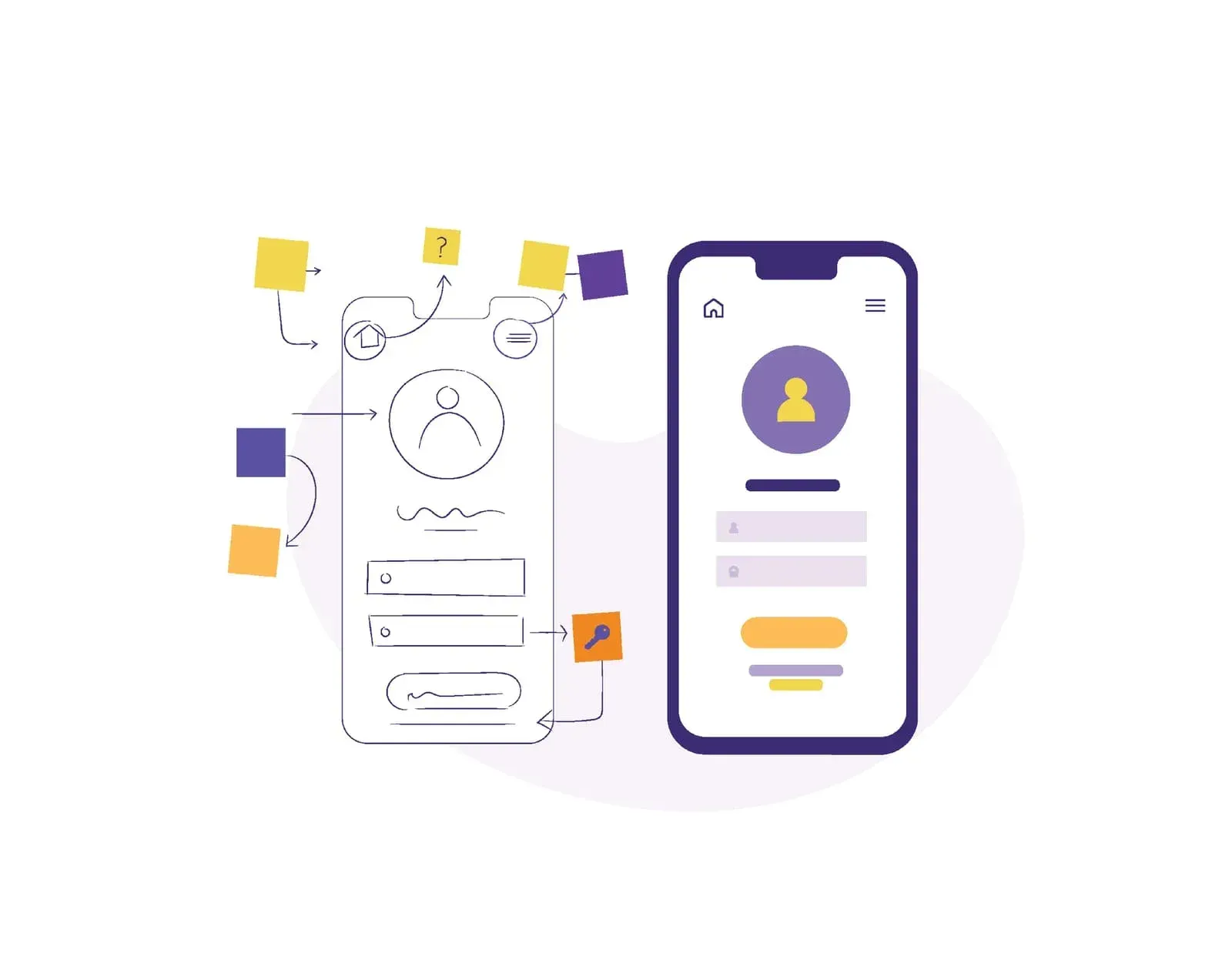
Start with rough sketches or wireframes showing screen layouts, navigation flows, and key interactive elements. These low-fidelity mockups help you organize ideas before investing effort in detailed design. Focus on information architecture and user flow rather than visual polish at this stage.
Map out user journeys through your application. How will users accomplish primary tasks? What paths will they follow? Creating flow diagrams helps identify potential usability issues before building interactive elements. When learning how to create a software prototype, this planning phase prevents costly revisions later.
Step 4: Build the Prototype
For simple click-through prototypes demonstrating navigation and basic interactions, design tools like Figma, Adobe XD, or Sketch offer built-in prototyping features. These platforms let you create realistic mockups with clickable hotspots, transitions, and basic animations without writing code.
Step 5: Test the Prototype with Real Users
A software prototype only delivers value if you test it with actual users. Recruit participants who represent your target audience and observe how they interact with your prototype. Structure testing sessions to gather both qualitative and quantitative insights.
Effective testing approaches for prototyping in software include:
- Moderated usability testing where you observe users in real-time, asking follow-up questions and probing deeper into their reactions
- Remote testing using screen sharing and recording tools that let you reach geographically dispersed users
- A/B testing to compare different design approaches and determine which performs better
- Surveys collecting structured feedback on specific features
- Analytics tracking that shows how users navigate and interact with the prototype
The Nielsen Norman Group recommends testing with at least five users to identify approximately 85% of usability problems. Record sessions when possible and look for patterns in user behavior rather than over-indexing on individual comments.
Step 6: Integrate the Prototype Feedback into Development
Analyze feedback to identify priority improvements. Which issues affect core functionality? Which concerns appear most frequently? Categorize feedback into immediate concerns requiring prototype revision, issues to address in final development, and nice-to-have suggestions for future consideration.
Update your prototype based on high-priority feedback and conduct additional testing if significant changes were made. Document lessons learned during prototyping to guide actual development. This knowledge ensures the development team benefits from prototyping insights rather than repeating discovered mistakes.

Common Mistakes to Avoid When Creating a Software Prototype
Even experienced teams sometimes stumble when learning how to create a software prototype. Watch out for these common pitfalls:
- Focusing Too Much on Design: Visual polish feels productive but often distracts from a prototype's core purpose: validating functionality and user experience. Remember that prototyping in software emphasizes learning and validation over aesthetics. Users can provide meaningful feedback on rough interfaces if the functionality and flow are clear.
- Lack of User-Centered Focus: Some teams create prototypes that impress stakeholders but fail to address actual user needs. Without regular user involvement, prototypes risk validating the wrong assumptions. Involve real users throughout the process, test early and often, and listen to their feedback even when it contradicts your assumptions.
- Skipping Testing and Validation: Creating a prototype without validation defeats the entire purpose of prototyping in software. Allocate sufficient time and resources for thorough testing. Recruit appropriate test participants who match your target audience and create structured testing scenarios that reveal genuine usability issues.
- Miscommunication with Stakeholders: Stakeholders sometimes misunderstand prototype limitations, expecting production-ready features or misinterpreting placeholder elements as final designs. Set clear expectations from the start, explain that prototypes deliberately omit certain features, and remind stakeholders that the prototype exists for learning and validation.
Moving Forward with Software Prototypes
Building effective software prototypes has become essential for successful development projects. Prototyping in software reduces risks by identifying problems early, improves communication by providing concrete references for discussion, and enhances efficiency by preventing wasted effort on wrong assumptions.
The investment in learning how to create a software prototype pays dividends throughout your project. The clarity gained from early prototyping guides better decisions in every subsequent phase. Development proceeds more smoothly when teams know exactly what they're building, and users respond more positively when products reflect actual needs rather than assumptions.
Start small if prototyping represents new territory for your team. Choose one project or feature to prototype rather than attempting to revolutionize your entire process immediately.
The benefits of prototyping in software development will become apparent quickly, encouraging broader adoption and leading to better products, happier users, and more efficient development cycles.